

Drawings
Drawings are free-form whiteboards built on Excalidraw — for everything that doesn’t fit into structured entities: sketches, diagrams, mindmaps, visual workshops.
Purpose
Section titled “Purpose”A drawing is a canvas with hand-drawn shapes, arrows, sticky notes and images — ideal for the creative phase before an idea is moved into structured entities. You can link drawings to other entities, so e.g. an architecture sketch belongs to an IT system.
Default view
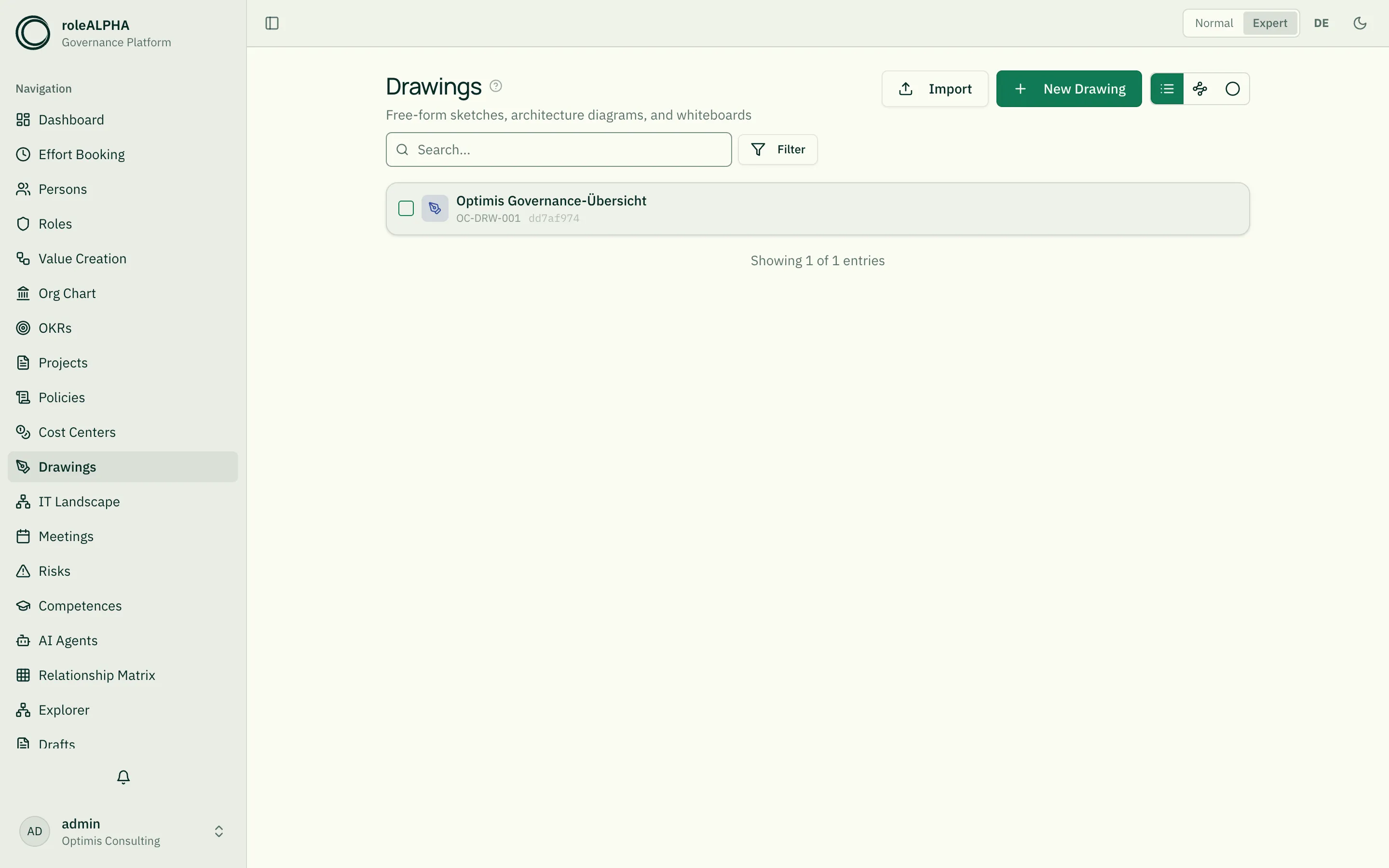
Section titled “Default view”The default is the whiteboard view with thumbnail previews of the drawings. Via the view toggle you switch to a list view with title and description.
Alternative view
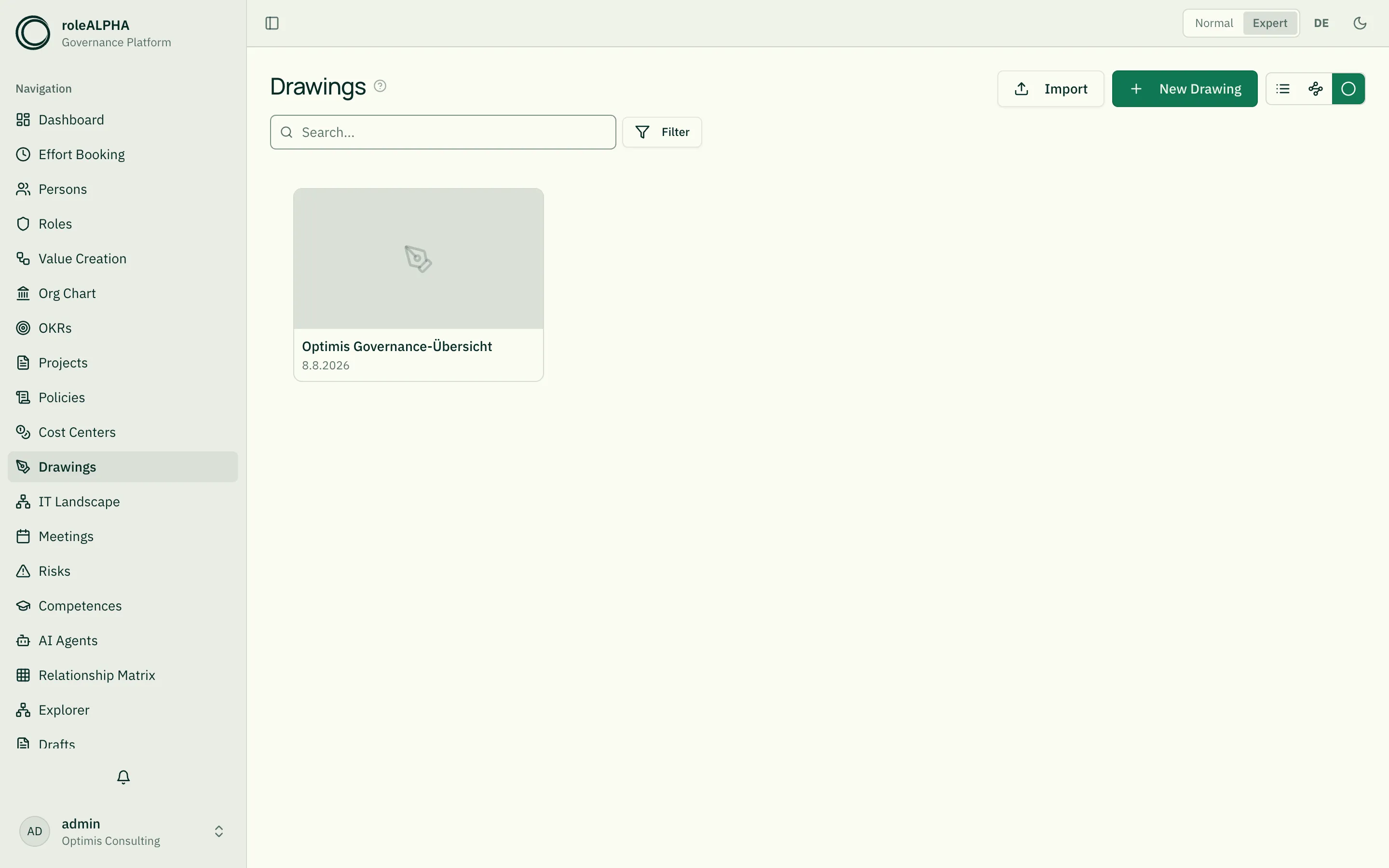
Section titled “Alternative view”The alternative view shows drawings as a thumbnail grid optimised for quick visual browsing.
Important relationships
Section titled “Important relationships”- OWNS (Person → Drawing) — whiteboard owner
- REFERENCES (Drawing → anything) — visual reference to other entities
- BELONGS_TO (Drawing → Project/Meeting) — context
Details: Relationship Types.
Schema to copy
Section titled “Schema to copy”The default schema is minimal — drawings mostly live off their visual content, which is stored separately as Excalidraw JSON.
{ "type": "object", "properties": { "description": { "type": "string", "title": "Description" } }}Extension ideas: category (Architecture/Value stream/Mindmap), tags,
thumbnailUpdatedAt. Details: JSON Schema for Entity Types.
Detail view
Section titled “Detail view”- Excalidraw canvas with all tools (shapes, arrows, text, images)
- Save as draft with review workflow
- Mention support (
@) on the canvas - Linked entities via REFERENCES
Related
Section titled “Related”- Entity Types — General info on entity types
- JSON Schema for Entity Types — JSON schema options
- @-Mentions — @-references inside the drawing
- Meetings — Meetings where drawings were created
- Relationship Types — REFERENCES, OWNS in detail