

Visibility
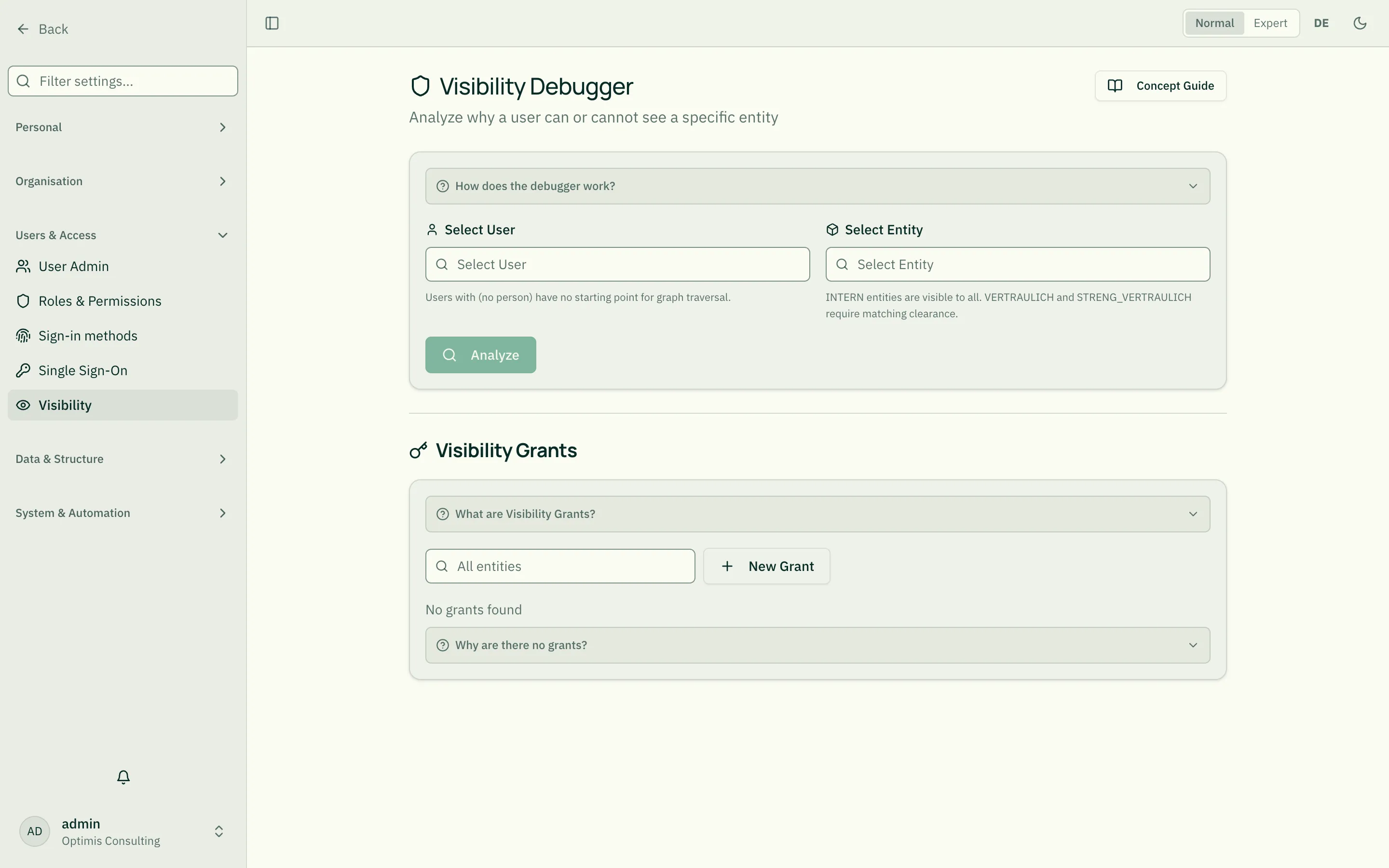
Not every user sees every entity. Visibility is controlled on two levels:
Default visibility per type
Section titled “Default visibility per type”In the entity type you set who can see entities of that type by default — e.g. “all tenant users” or “only persons with an EXECUTES relationship”.
Explicit grants
Section titled “Explicit grants”Per single entity you can additionally grant access to specific users or roles. This overrides the default rule.
Who may configure
Section titled “Who may configure”- Tenant admins: Default visibility per type
- Security officer: Has bypass — sees everything but cannot change admin settings
- Platform admins: Everything, platform-wide
Visibility on drafts
Section titled “Visibility on drafts”Drafts are only visible to authorized reviewers — other users don’t even notice the open draft. See Drafts.
Related
Section titled “Related”- Approval Modes — Who may then also approve a draft
- Change history — Who may see which change history
- Normal & Expert Mode — What additional info appears in expert mode