

Guided Tour & Checklist
On your first login a guided tour starts automatically. It highlights the most important controls one by one and explains them in a small popover — with Next, Back and Skip. This helps you find your way around the interface without hunting for things.
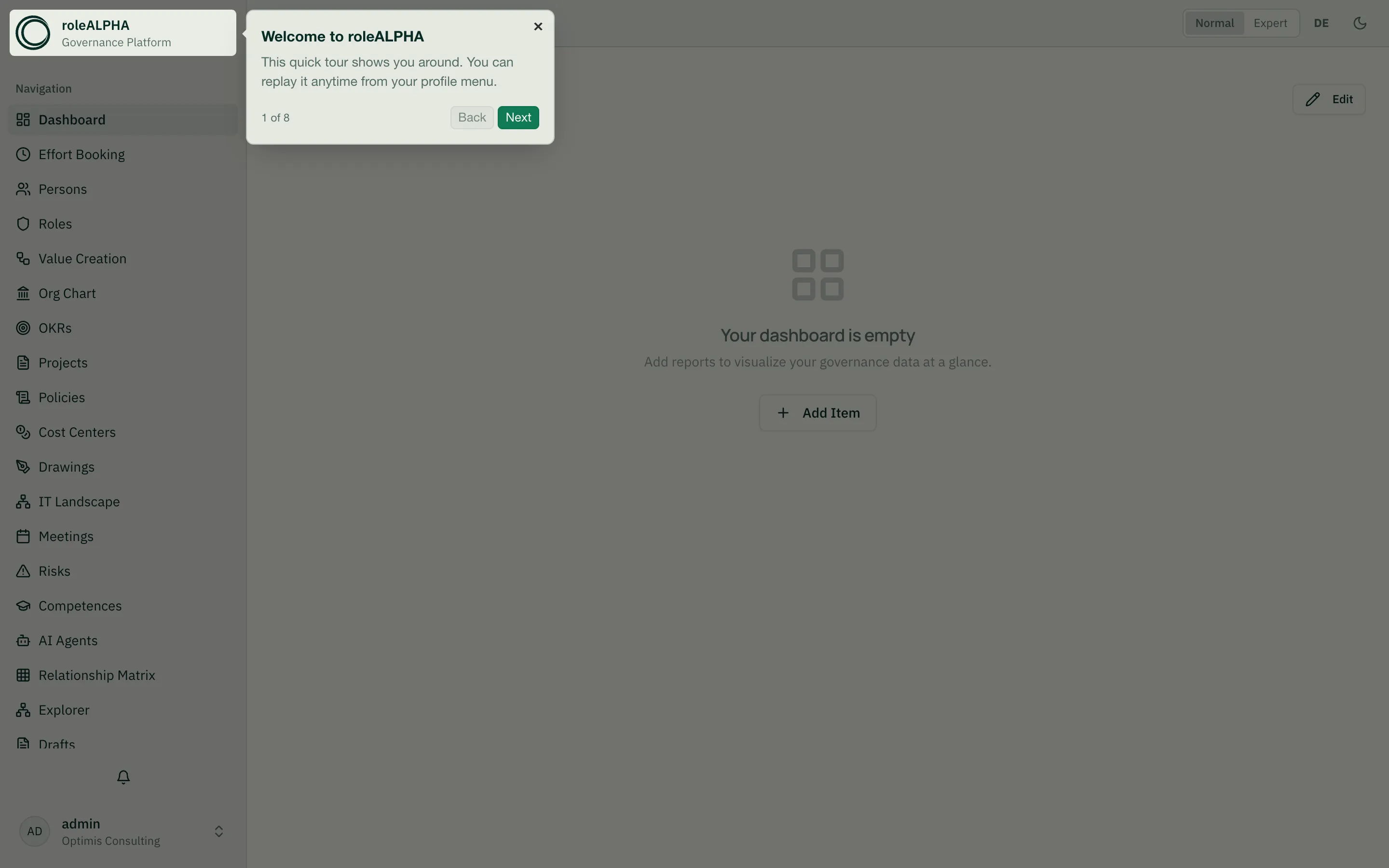
Replay the tour anytime
Section titled “Replay the tour anytime”The tour starts automatically only once per user. You can replay it whenever you like:
- Open your profile menu at the bottom of the sidebar and choose “Restart tutorial”.
Whether you have already seen the tour is stored in your account across devices — not just in the browser.
The setup checklist
Section titled “The setup checklist”On the dashboard a checklist guides you through the most important first steps. Completed items are checked off automatically; the card disappears once everything is done or you dismiss it.
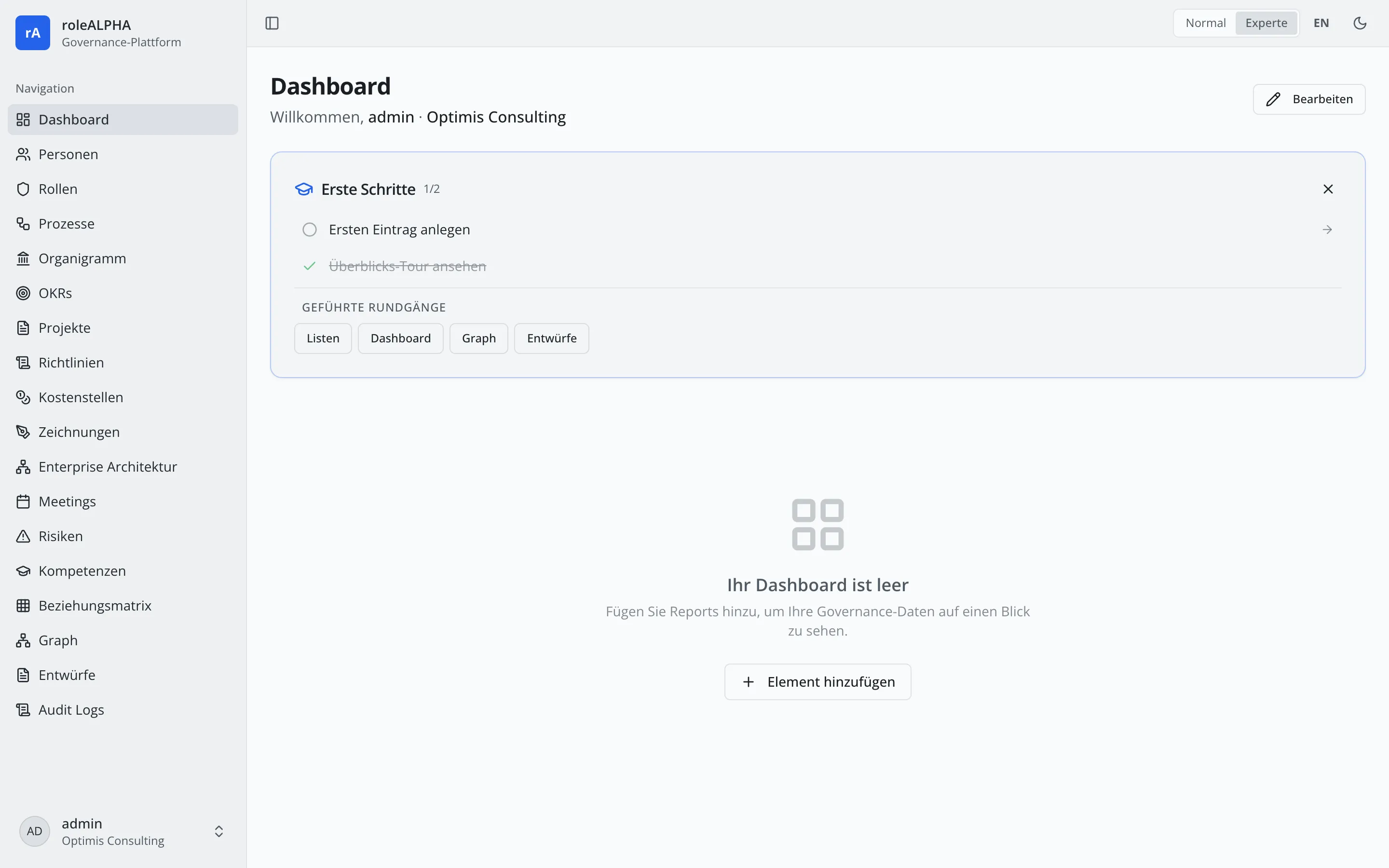
Typical items are:
- Add a profile picture — jumps straight to your profile and highlights the upload card.
- Create your first entry — walks you through a list page.
- Try Ask & Plan in the assistant — only when AI is enabled for your tenant (see below).
- Take the overview tour — replays the guided tour.
Below the items there is also a Guided tours section, where you can start a guided walkthrough of individual areas (lists, dashboard, graph, drafts, assistant) on demand.
Ask and Plan mode in the assistant
Section titled “Ask and Plan mode in the assistant”When AI is enabled, a dedicated walkthrough explains the two modes of the AI assistant rAlph:
- Ask — read-only: rAlph answers questions and queries your data without changing anything.
- Plan — rAlph proposes changes as drafts (entities, relationships, scenarios) that you review before publishing.
Learn more under rAlph – Slash commands (/help, /report, /drafts).