

First Steps
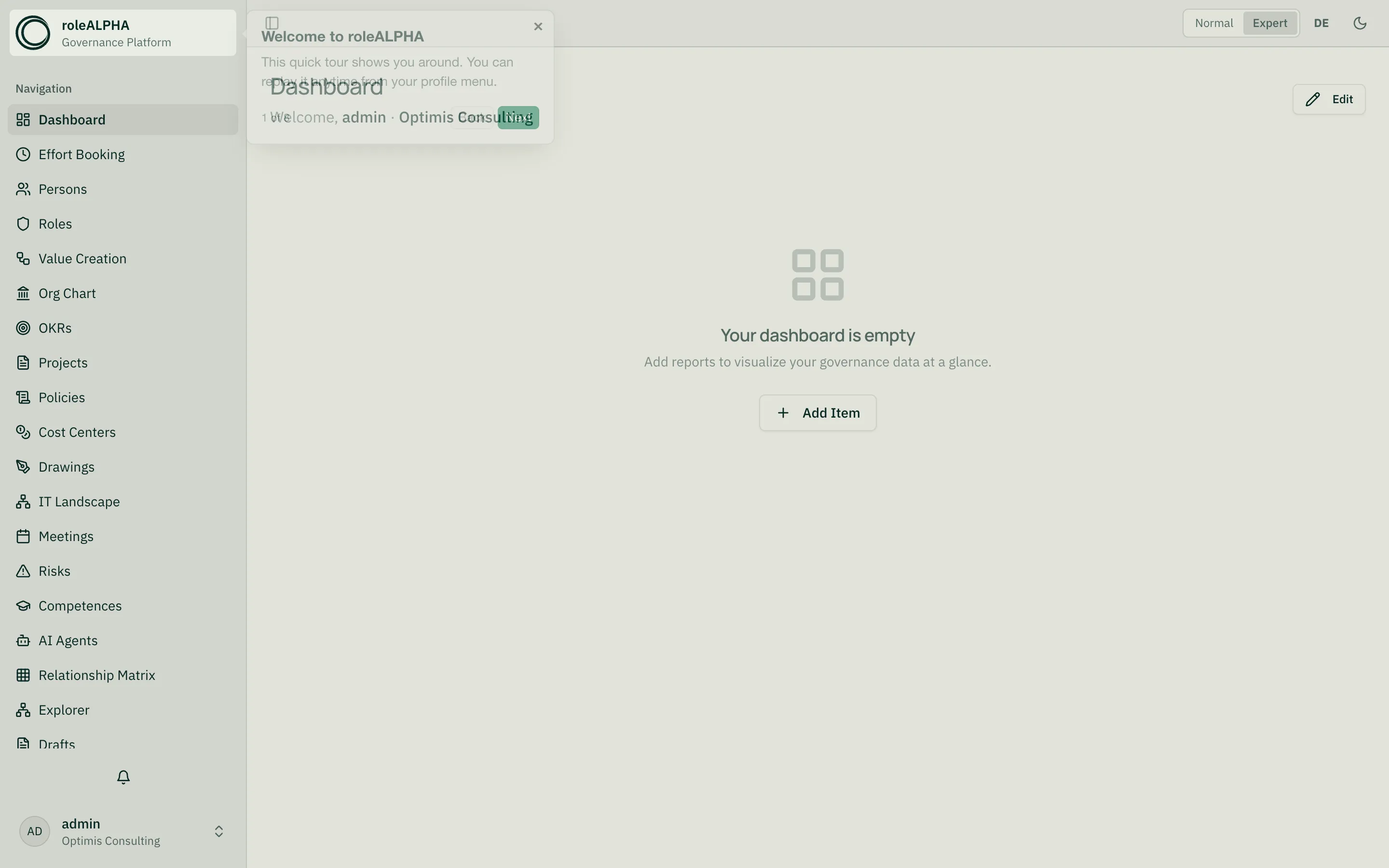
After logging in, you’ll see your tenant overview. The left sidebar gives you access to all modules: people, roles, value streams, org charts, and more.
1. Create your first persons
Section titled “1. Create your first persons”Choose “Persons” in the sidebar and click the primary “New Person” button. Only name and email are mandatory — fill in the rest later. You can optionally assign a Customer ID for internal references.
2. Define roles
Section titled “2. Define roles”In the “Roles” module you model who does what in your organization. A role is typically performed by a person — this link is a relationship.
3. Release changes
Section titled “3. Release changes”By default, changes go into a draft before being published — that way nobody sees half-baked state.
4. Understand visibility
Section titled “4. Understand visibility”Not everyone sees everything. Who sees what is controlled by visibility.
If a term feels foreign, check the Glossary.